 PIZZA
PIZZAProjection mapping · v22
PIZZAmap
A slice for everyone.
Everything you need to start video mapping, in one browser page. Load a video, draw the shape, bend it onto the surface, send it to the projector.
What it is
A small tool with the whole mapping workflow
No install
One HTML file. Open it in Chrome or Edge and start.
The full toolkit
Layers, drawn masks, corner pin, grid warp, edge fade, presets and undo.
Any projector
One output or several, each sent to the display you choose.
How it works
From zero to mapped in five steps
Add a layer
Click + Layer, or drop a video onto the stage.
Pick a source
A video, an image, a camera or a built-in animation.
Draw the shape
In Mask mode, click around the object point by point.
Warp it
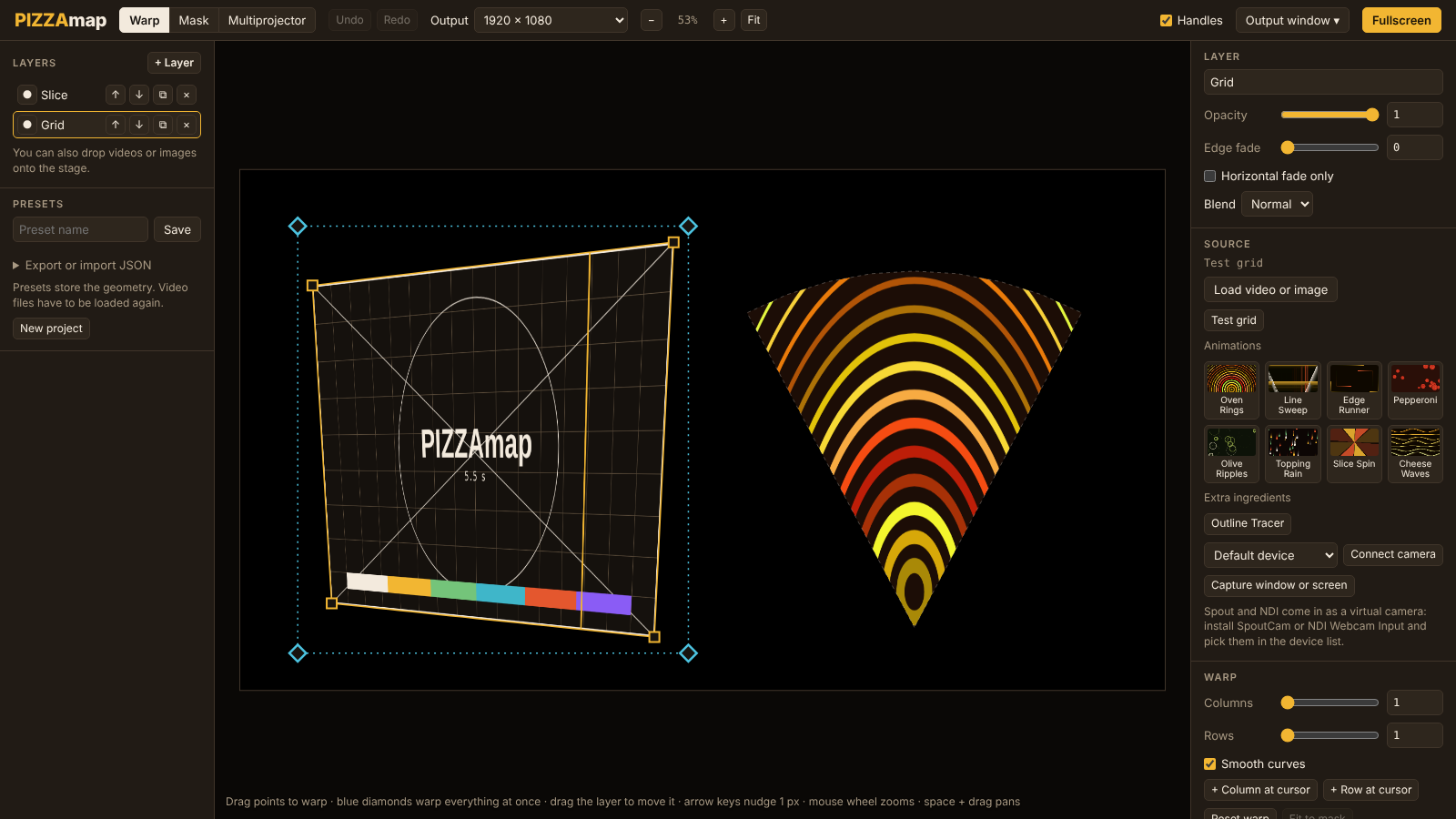
Drag corners and grid points until it sits on the surface.
Send it
Open the Output window on the projector and go fullscreen.
What's inside
Every topping, one by one
Sources: what a layer shows
- Video or image files, with loop, pause and sound
- Camera, window or screen capture
- Spout and NDI through a virtual camera
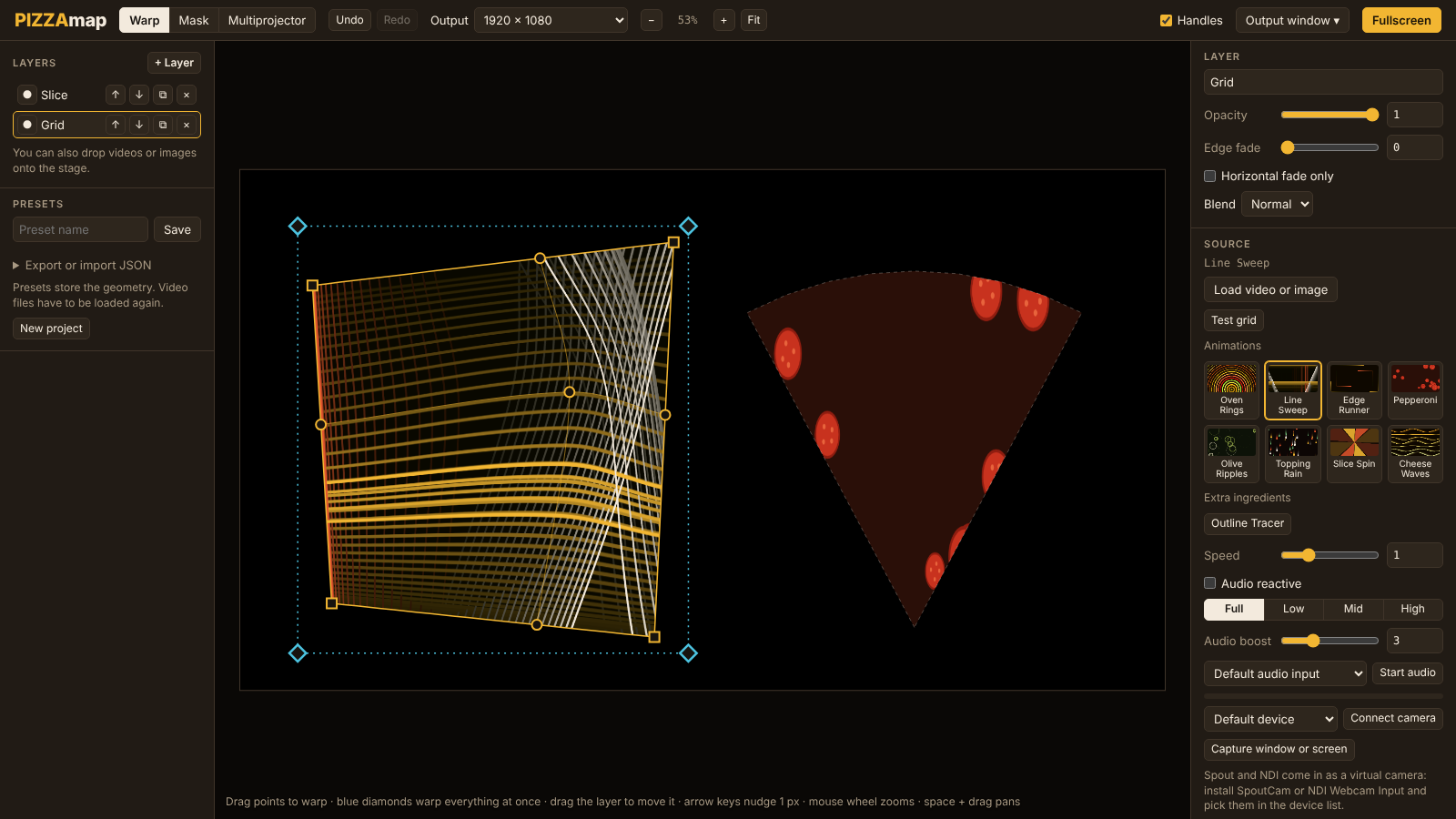
- Eight animations with a speed slider
Mask: draw the shape
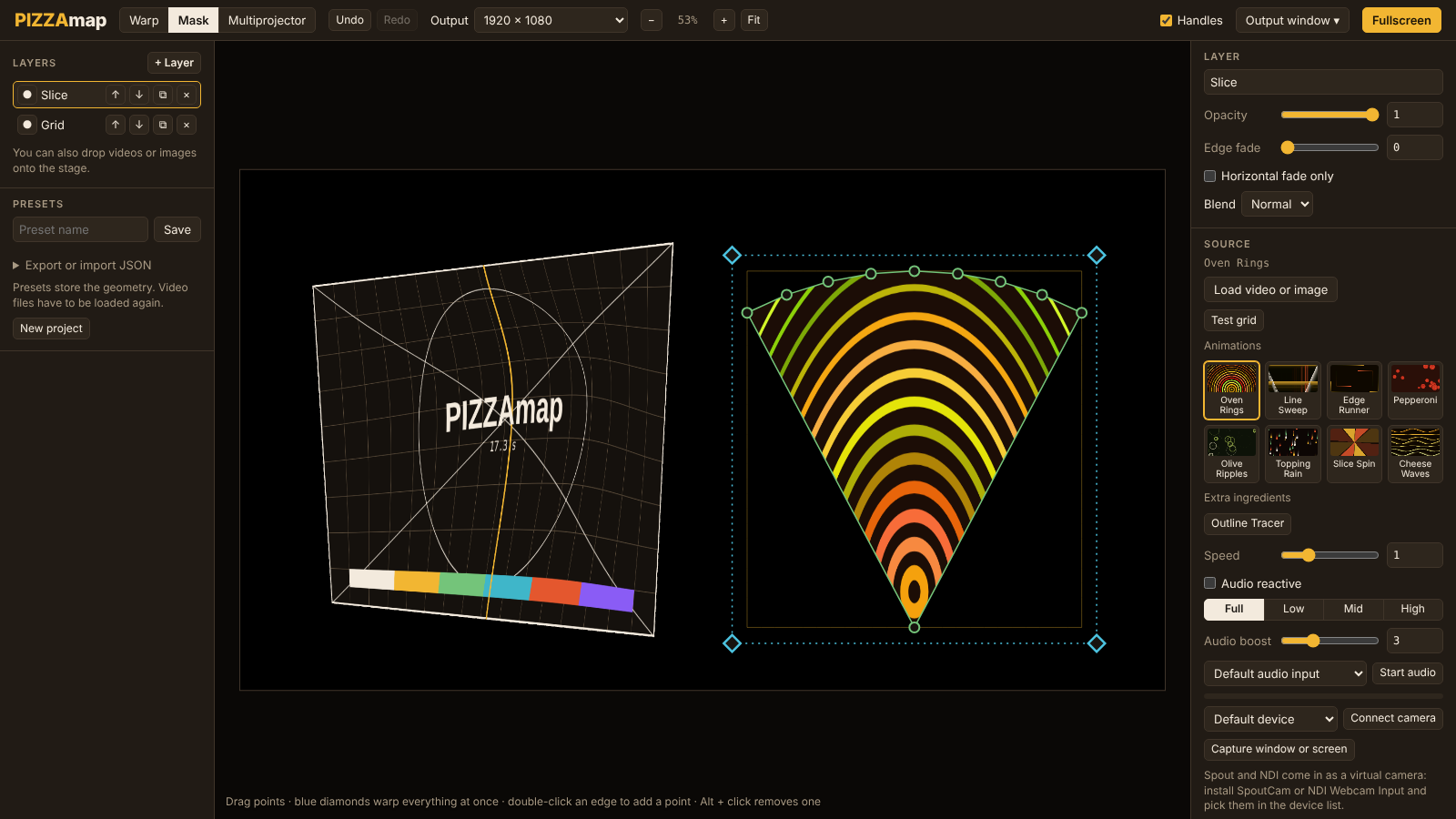
- Click point by point around the real object
- Double-click an edge to add a point
- Alt + click removes one
- Invert cuts the inside out instead
Warp: bend it onto the surface
- Corner pin in true perspective
- Grid warp for curved or uneven surfaces
- Place one column or row exactly where you click
- Arrow keys nudge a point by 1 px
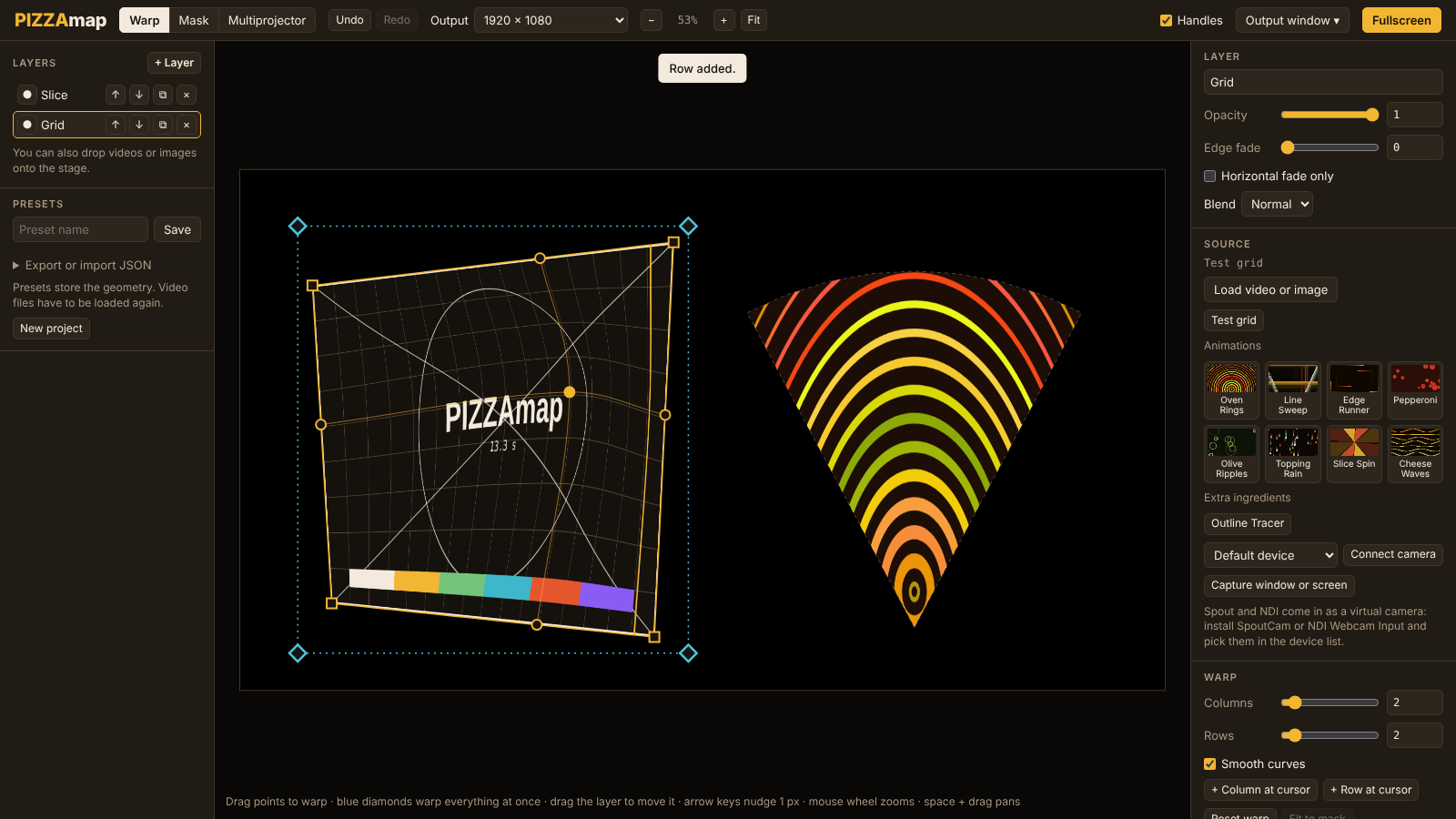
Global pin and edge fade
- Blue diamonds warp the whole layer at once: grid, mask and all
- Edge fade softens the border and follows the mask
- Horizontal fade only for side-by-side images
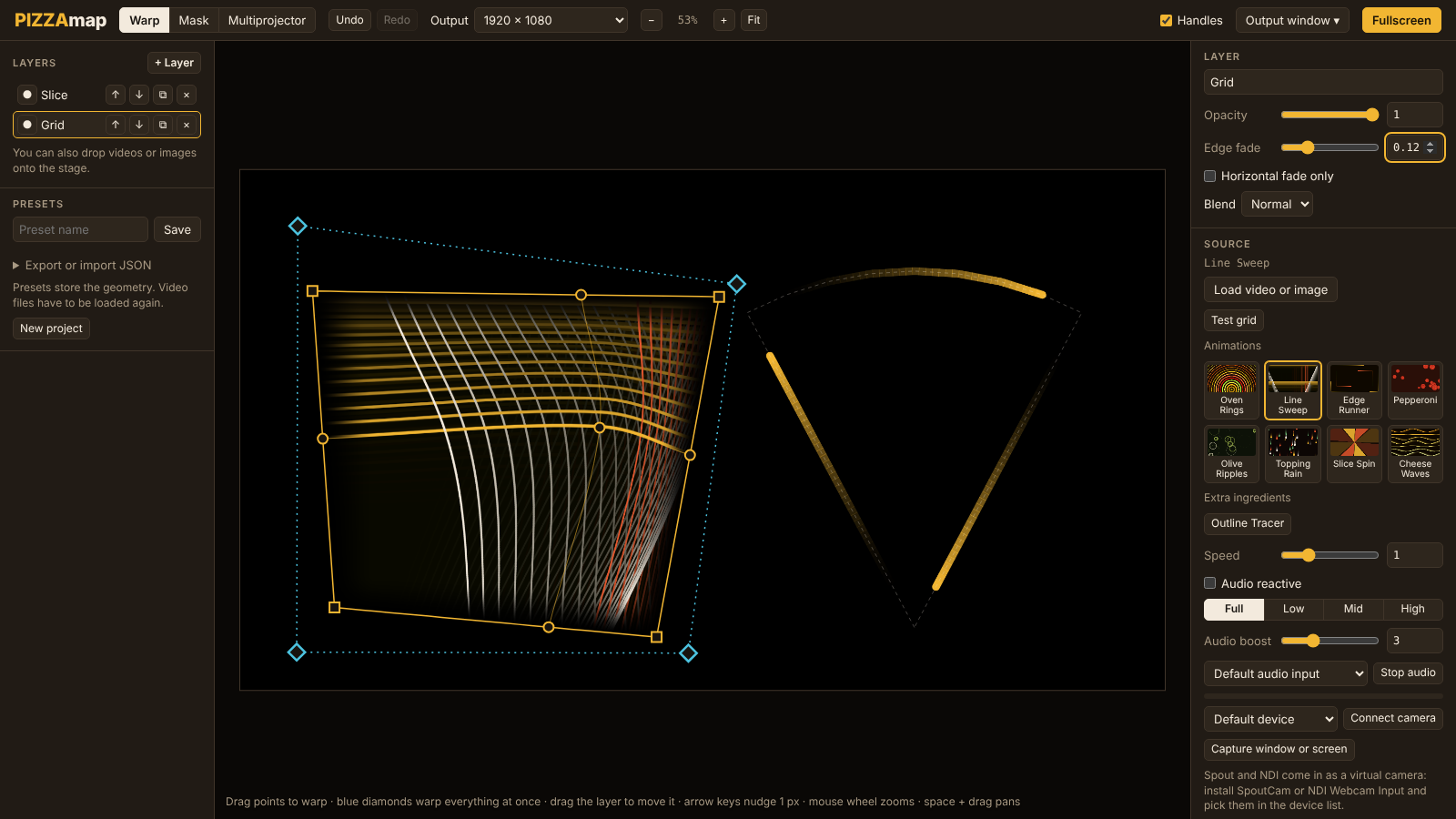
Motion that follows the music
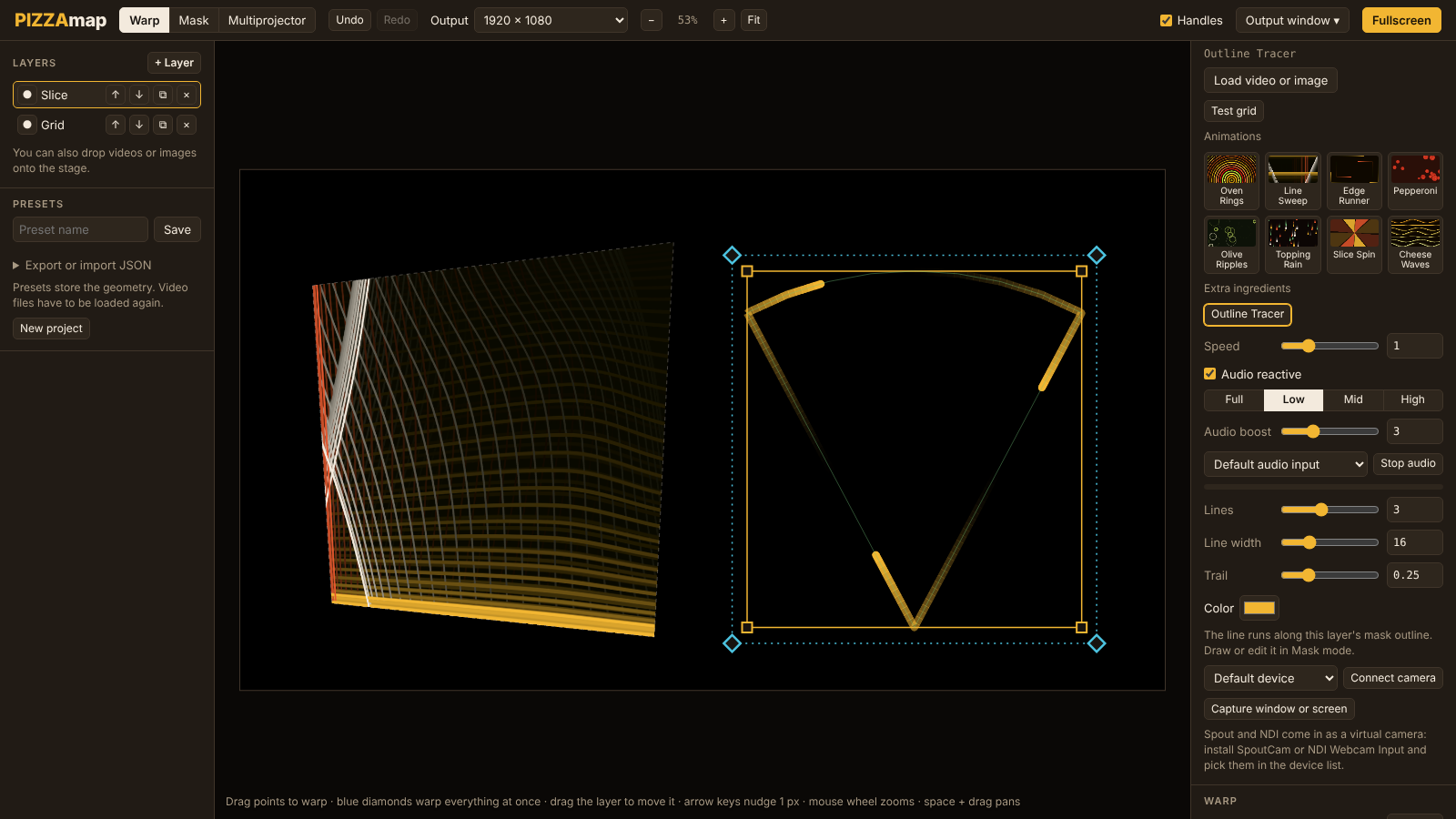
- Audio reactive pushes the speed with the sound, then lets it fade
- Drive it from the low, mid or high part of the sound
- Outline Tracer: lines with a trail running along the mask
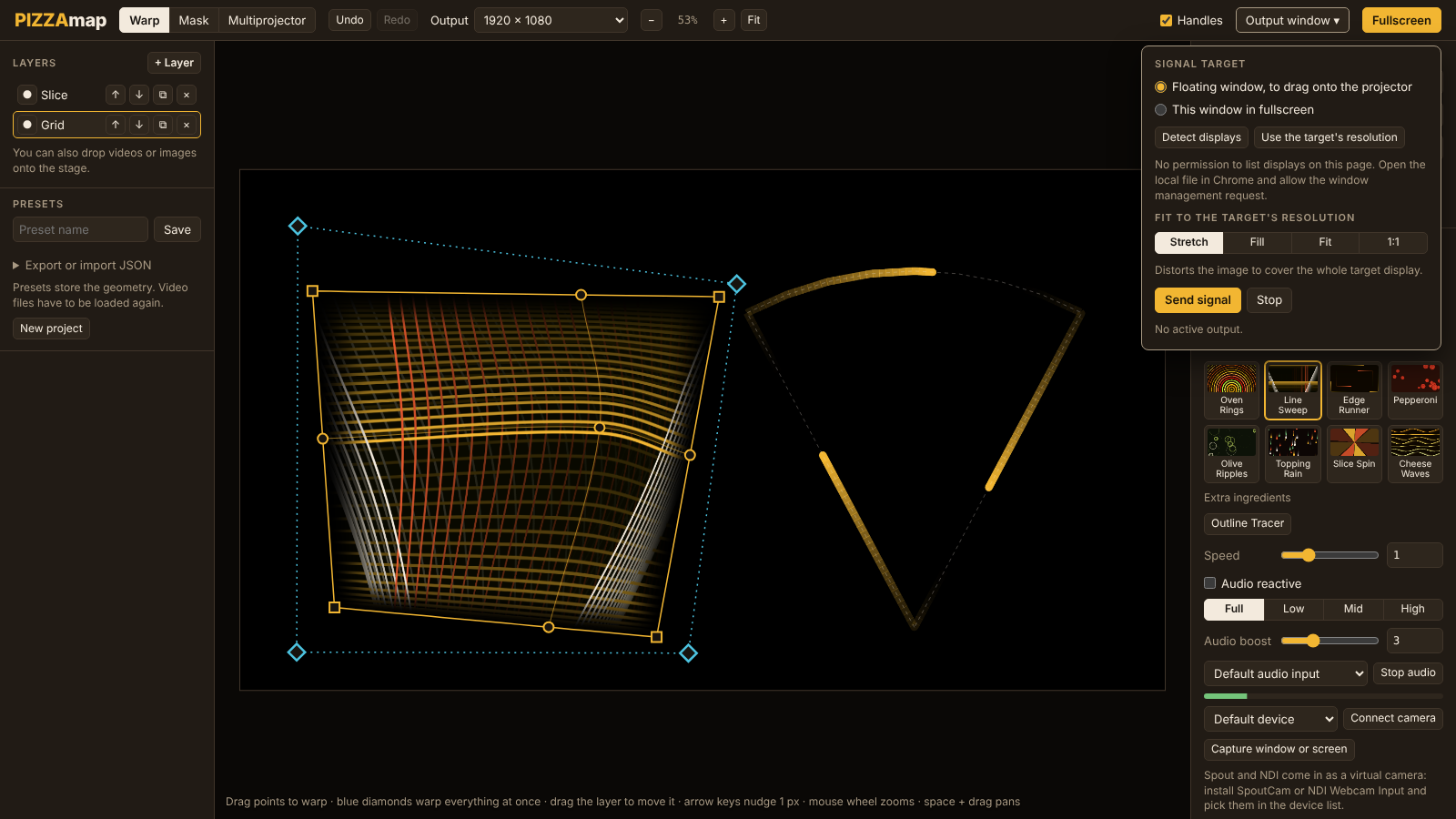
Output: send it to the projector
- Detect the connected displays and pick the projector
- Edit on your screen while the projector shows the clean image
- Stretch, Fill, Fit or 1:1 to match its resolution
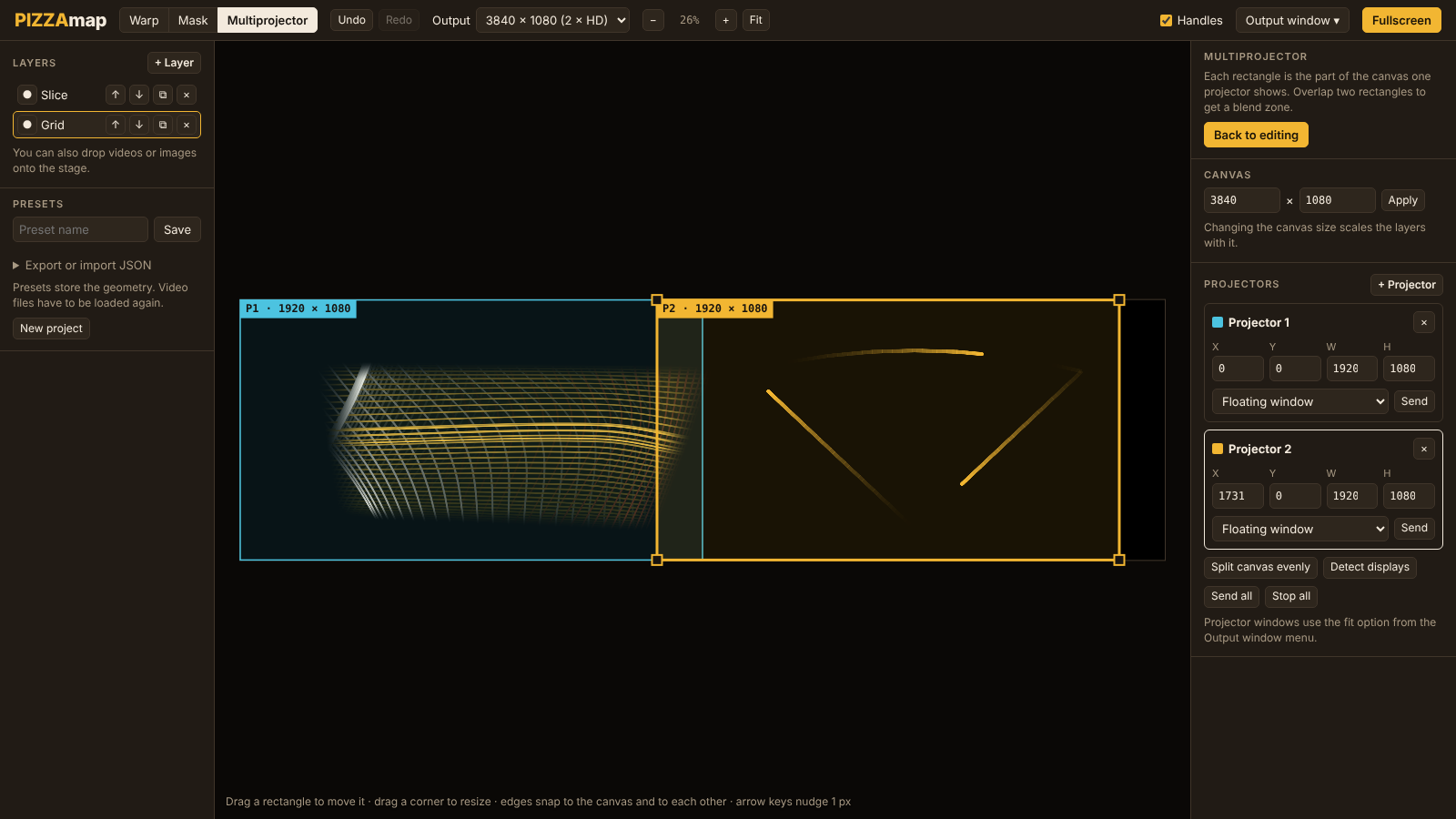
Multiprojector: one canvas, many outputs
- Each rectangle is the part of the canvas one projector shows
- Drag to move, pull a corner to resize; edges snap together
- Send each one to its own display
Keys worth knowing
Fast hands, less menu
| Key | Does |
|---|---|
| W / M | Warp mode / Mask mode |
| H | Show or hide handles |
| F | Fullscreen |
| Ctrl + Z | Undo, up to 30 steps |
| Ctrl + Shift + Z | Redo |
| Key | Does |
|---|---|
| Arrow keys | Nudge 1 px, Shift for 10 |
| Mouse wheel | Zoom |
| Space + drag | Pan the view |
| Enter | Close the mask |
| Esc | Cancel the current action |
PIZZAmap v22
Take a slice.
One HTML file, about 90 KB. Save it, open it in Chrome or Edge, connect a projector in Extend mode and start mapping.